

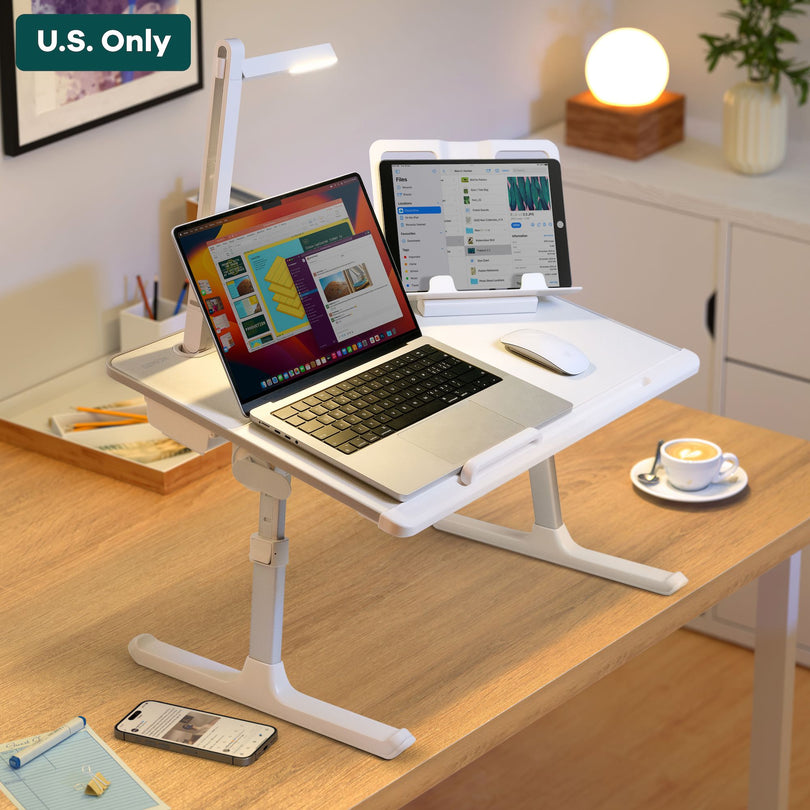
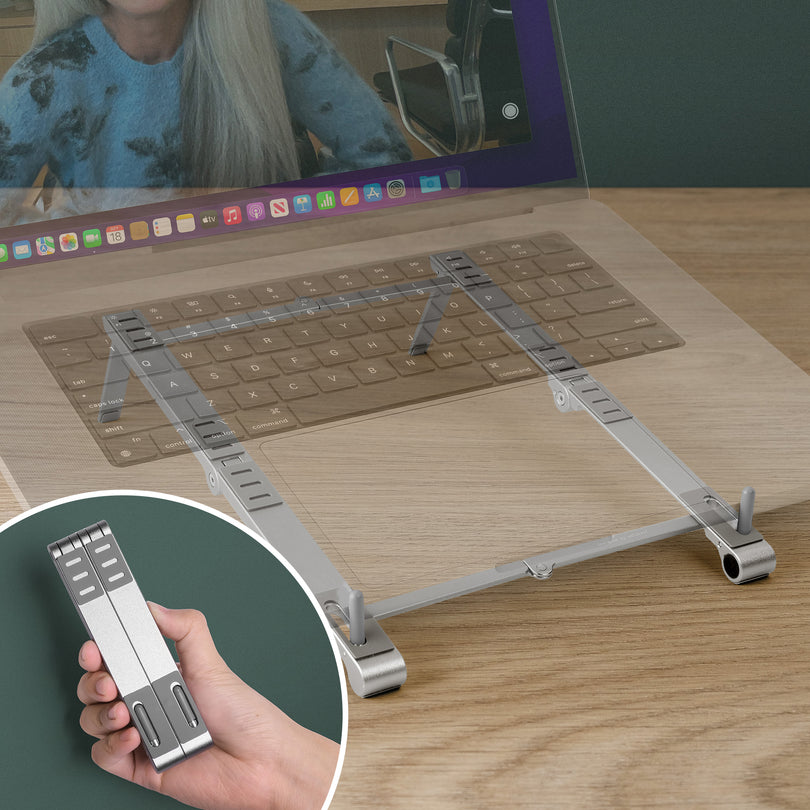
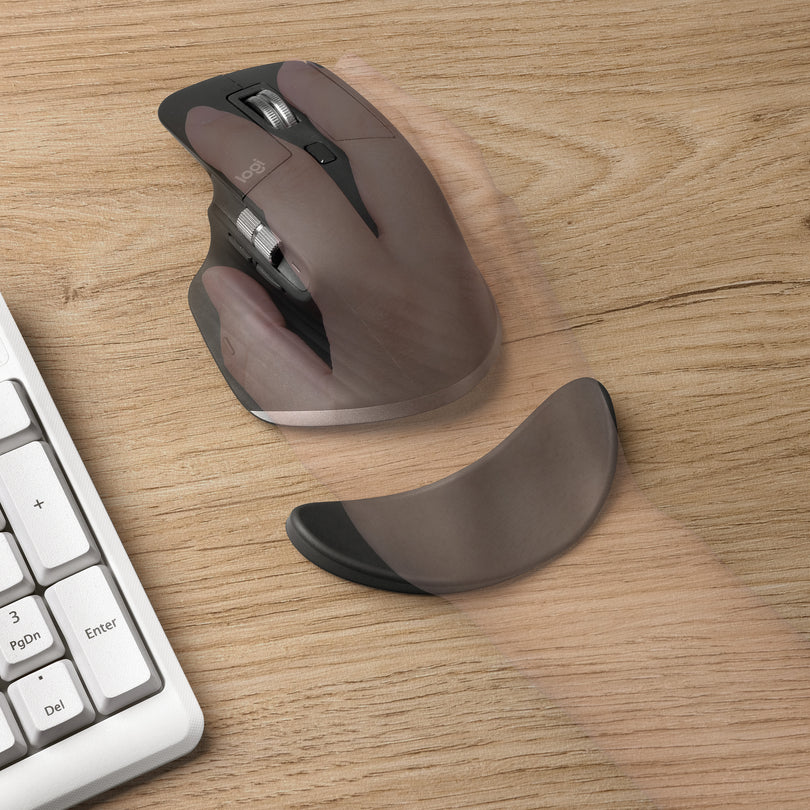
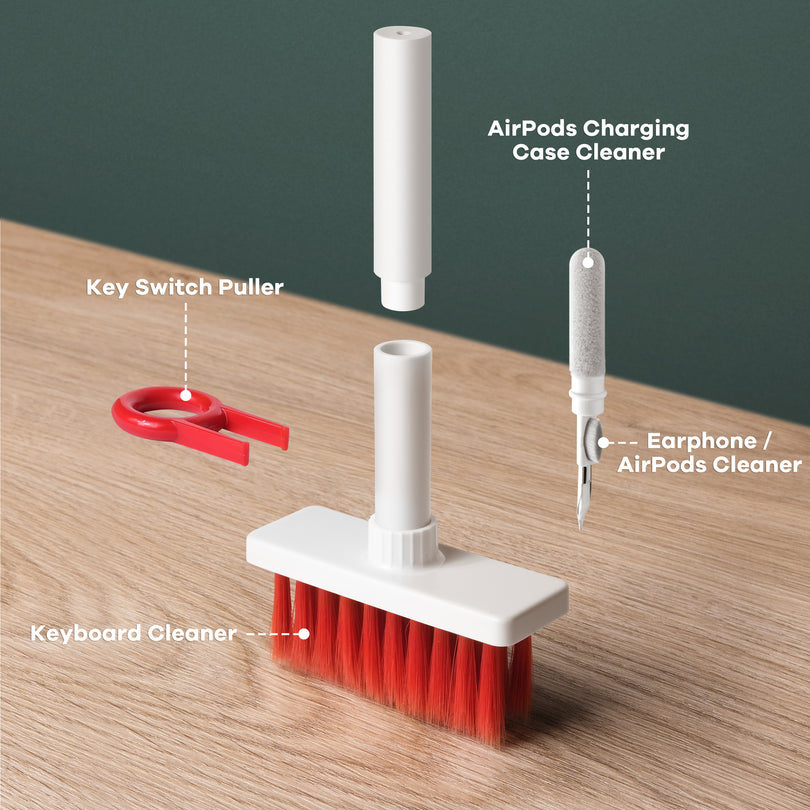
Quick Setup Guide
Open it, set your height and angle, then lock it in.
Step 1 Unfold the desk
Open the legs fully until they feel locked and stable.
Step 2 Set your height
Adjust to your preferred working height, then lock it in so it won’t drift.
Step 3 Adjust the desktop angle
Choose a comfortable angle for typing or viewing. Keep wrists neutral.
Step 4 Place the stopper in the slot
Insert the stopper into the slot to keep your laptop/tablet from sliding at higher angles.

Folding Lamp
Aim the lamp, then tap to cycle brightness.
Step 1 · Adjust the lamp direction Tilt the head & arm
Adjust the lamp to the desired direction. Small angle changes can make the light feel much softer on your eyes.
Step 2 · Press to control brightness Cycle: Low → Med → High
Press the button to control the light: Power On → Low → Medium → High → Power Off.

Book / Tablet Holder
Two ways to use it: dock it in, or stand it up anywhere.
Step 1 · Use it with the lap desk Insert it into the slot
To use it with the lap desk, insert it into the slot.
Step 2 · Use it on other desks Unfold the standing legs
To use it alone on other desks, unfold the standing legs on the back.
